By Team DryURL | On Nov 14, 2024 | In guide
Looking for an easy, efficient way to create short links for your brand or campaigns? DryURL is your solution! This guide will walk you through setting up your account, creating short links, and using advanced features for even more customization.
First, head to DryURL.com and click the Sign In button at the top-right corner of the page. If you don’t have an account yet, sign up by clicking here.
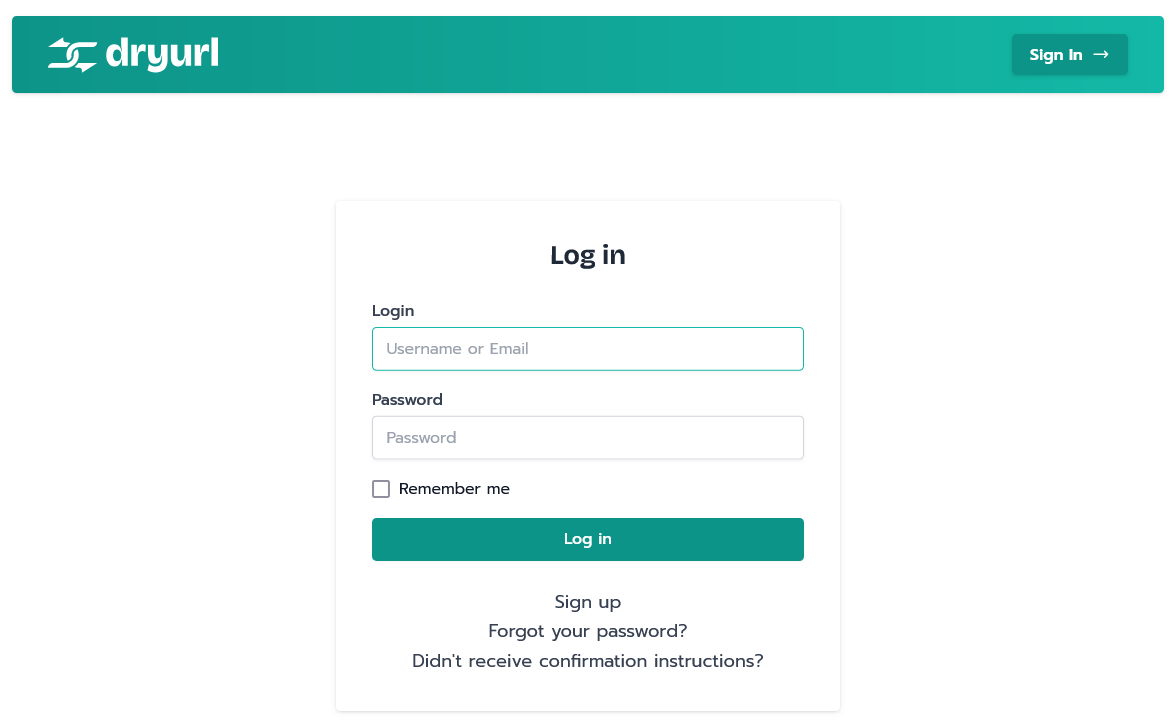
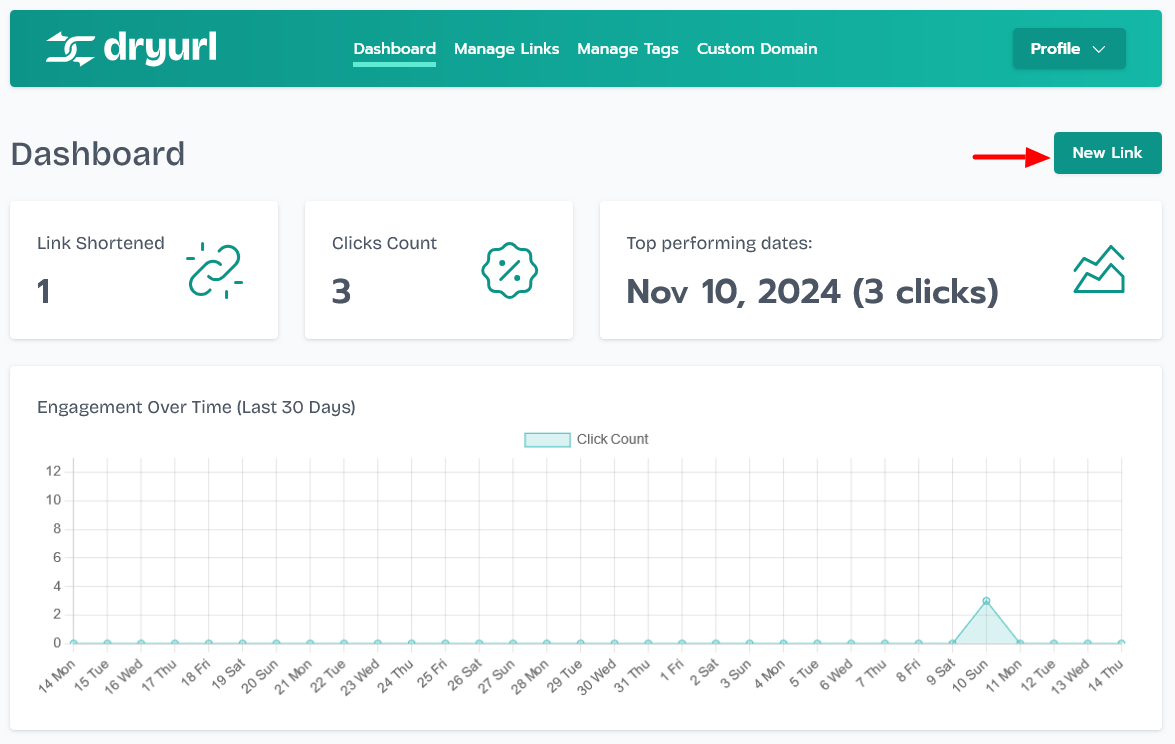
Once you log in or sign up, you’ll be taken to your Dashboard if you’re a paid user. Free users will be directed to the Links page, where you can start creating links.
On your dashboard’s top-right corner, you’ll see a button labeled New Link. Click this button to begin creating a new short link.
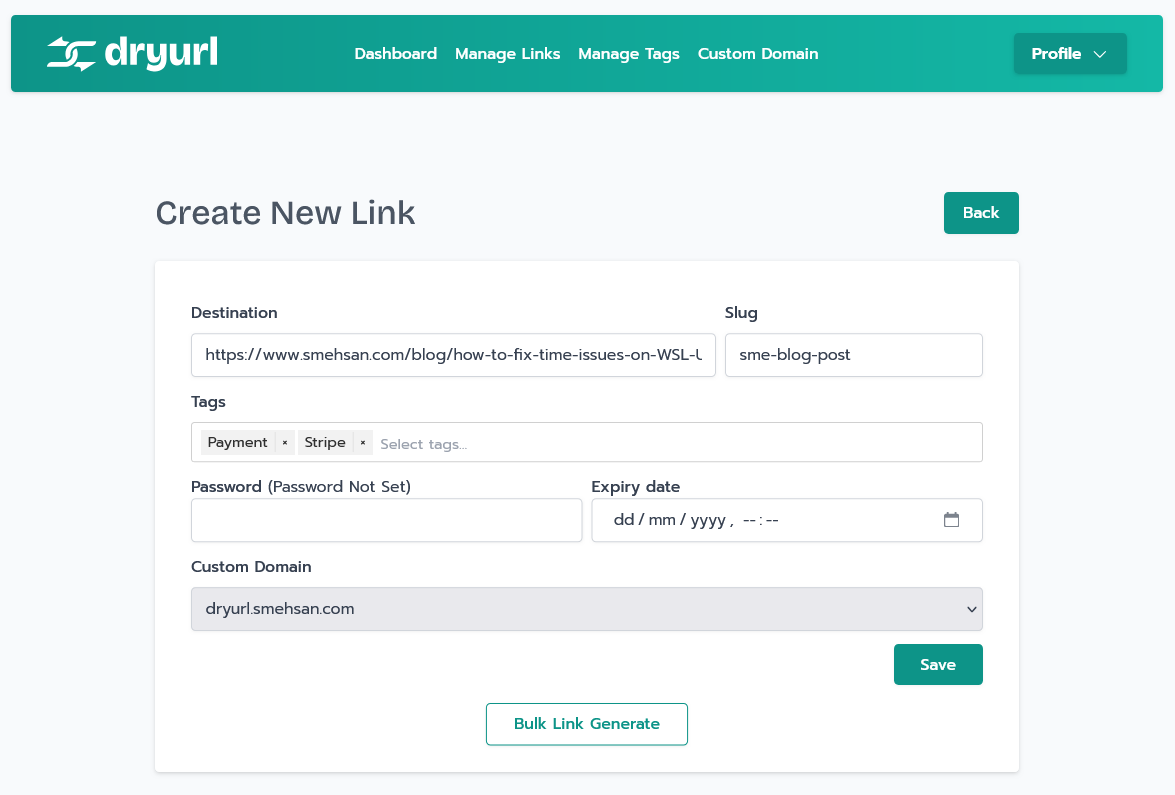
You’ll be taken to the link creation page. Paid users will have access to advanced fields, while free users will see the basic Destination Link field.
Now, it’s time to add the necessary information:
After filling out the details, click Save to generate your new short link.
Need to create multiple links at once? Scroll down to find the Bulk Link Generate button. Paste your list of URLs (one per line), and you can create up to 100 short links in one go.
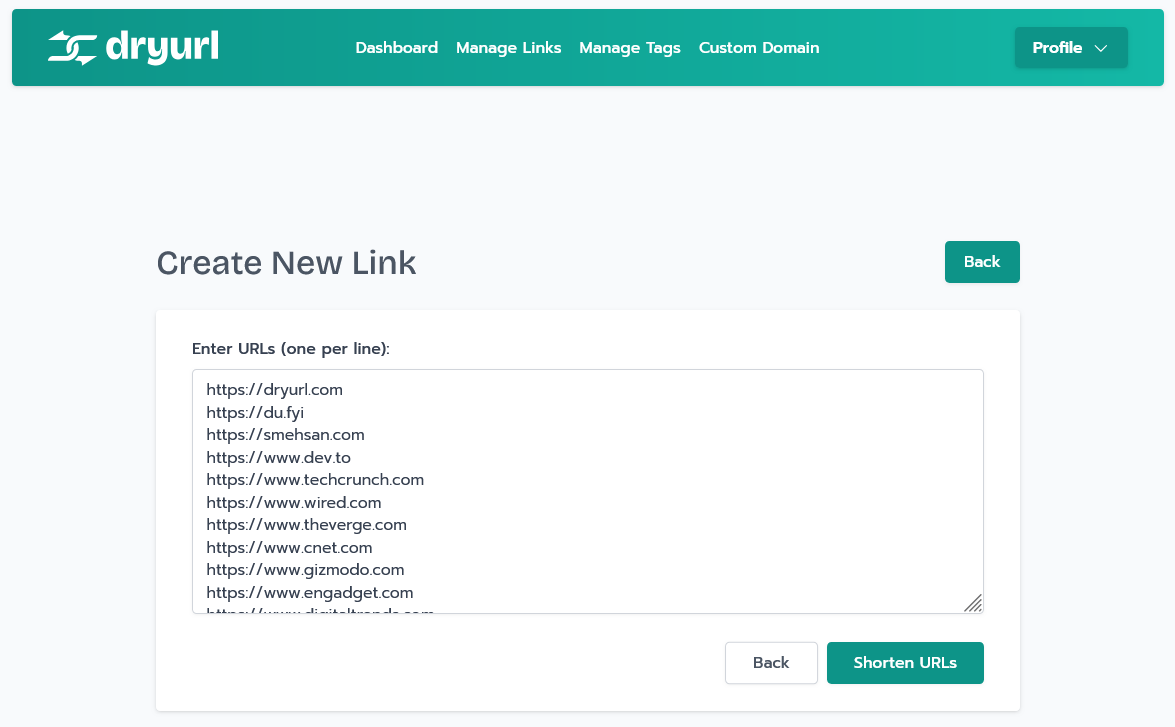
Click Shorten URLs to complete the process.
DryURL makes it simple to create, customize, and manage short links for your needs. Whether you’re a free or paid user, you have access to essential tools and features for better link management. Sign up on DryURL.com today and start managing your links with ease!
This article not only outlines the steps to create and manage short links on DryURL but also highlights advanced features for a comprehensive guide. Whether for marketing or branding, DryURL provides a streamlined experience to enhance your link-sharing strategy.
